
 Indox Text
Can you summarize documents without uploading them?
Short answerYes. An on-device summarizer runs the language model on your own phone or computer, so the document is never sent to a server. You can confirm it by switching on Airplane Mode: a truly on-device tool keeps working. The trade-off is a smaller model than the largest cloud services use.
Most summarizing tools work by sending your text to a company's servers, running a large model there, and sending the summary back. For a news article that is fine. For a contract, a medical letter, a draft or anything covered by a confidentiality agreement, the upload itself may be the problem. On-device summarization removes that step.
What does on-device actually mean?
It means the model's computation happens on the processor in your hand, not in a data centre. On Apple devices that is the CPU, the GPU and the Neural Engine, a part of the chip built for this kind of arithmetic. The text goes from the app's memory into the model and the summary comes back out, all inside the same device.
| Cloud summarizer | On-device summarizer | |
|---|---|---|
| Where the text goes | To the provider's servers | Nowhere |
| Works offline | No | Yes |
| Account needed | Usually | Not necessarily |
| Model size | Very large | Small enough to fit on the device |
| Very long documents | Often handled in one pass | May need to be done in sections |
| What you rely on for privacy | The provider's policy and security | The fact that nothing is sent |
How can you check that nothing is uploaded?
You do not have to take the claim on trust.
- Airplane Mode. Turn off Wi-Fi and mobile data and summarize something. If it works, the model is on the device.
- The App Store privacy label. Look for "Data Not Collected" on the app's page. Developers are responsible for the accuracy of this label.
- No sign-in. A tool with no account has nothing to attach your documents to.
The first test is the strong one, because it is physical: with no connection there is no route for the text to leave.
What is a summarizer actually doing?
There are two broad methods, and they fail in different ways.
- Extractive summarization picks the most important sentences from the original and returns them unchanged. It cannot invent anything, but the result can read as disjointed, and it cannot merge two ideas into one sentence.
- Abstractive summarization writes new sentences that restate the content, the way a person would. It reads far better and compresses harder. Its weakness is that a generated sentence can state something the source did not say.
Modern language-model summarizers are abstractive. That is why the output should be treated as a reading aid and not as a quotation.
What is a summary good for, and what is it not?
Good for:
- Deciding whether a long document is worth reading in full.
- Getting the shape of an article, report or thread before a meeting.
- Recalling the gist of something you read weeks ago.
- Working through a reading list faster.
Not a substitute for the source when:
- Exact figures, dates and names matter. Check them against the original.
- The wording is the point, as in contracts, policies and legal or medical text. A summary drops the qualifiers ("unless", "except where") that carry the meaning.
- The document is long. Every model can only consider a limited amount of text at once. Important material deep in a long file can be under-represented.
- You will quote it. Quote the source, never the summary.
How do you get a better summary?
- Give it clean text. Menus, cookie banners and footers copied along with a web article dilute the result. Reader view in Safari strips them first.
- Summarize in sections. For a long report, do each chapter separately, then read the summaries together.
- Check scanned PDFs. A PDF made from a scan is a picture of text. It needs text recognition before any summarizer can read it.
- Verify what you will act on. Find the sentence in the source that supports any claim you intend to rely on.
Where does Indox Text fit?
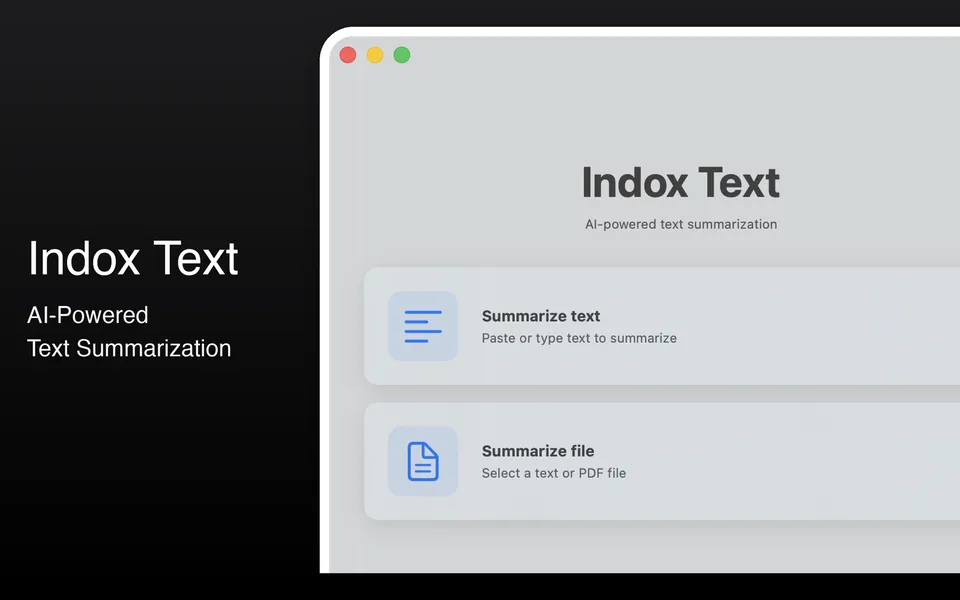
Indox Text summarizes articles, documents and web pages on iPhone, iPad and Mac, and has a Safari extension for pages you are reading. You paste or type text, or choose a text or PDF file. It runs on the device's CPU and Neural Engine and works offline, so what you summarize is not sent to a server. There is no account.
As with any summarizer, read its output as a guide to the document, and go back to the original for anything you need to be exact about.
Frequently asked questions
Is on-device summarization private?
Yes, in the direct sense that the text does not leave the device. You can verify it by using the tool in Airplane Mode.
Are on-device summaries as good as cloud ones?
For articles and ordinary documents they are useful and fast. The largest cloud models handle very long or highly technical documents better, at the cost of uploading them.
Can a summary contain mistakes?
Yes. Abstractive summarizers write new sentences and can occasionally state something the source does not. Check names, numbers and anything you will rely on.
Sources
- Apple, Core ML documentation (running machine-learning models on device): developer.apple.com
- Apple, App privacy details on the App Store: developer.apple.com