

Typing Mill
Master your typing speed, the fun way.
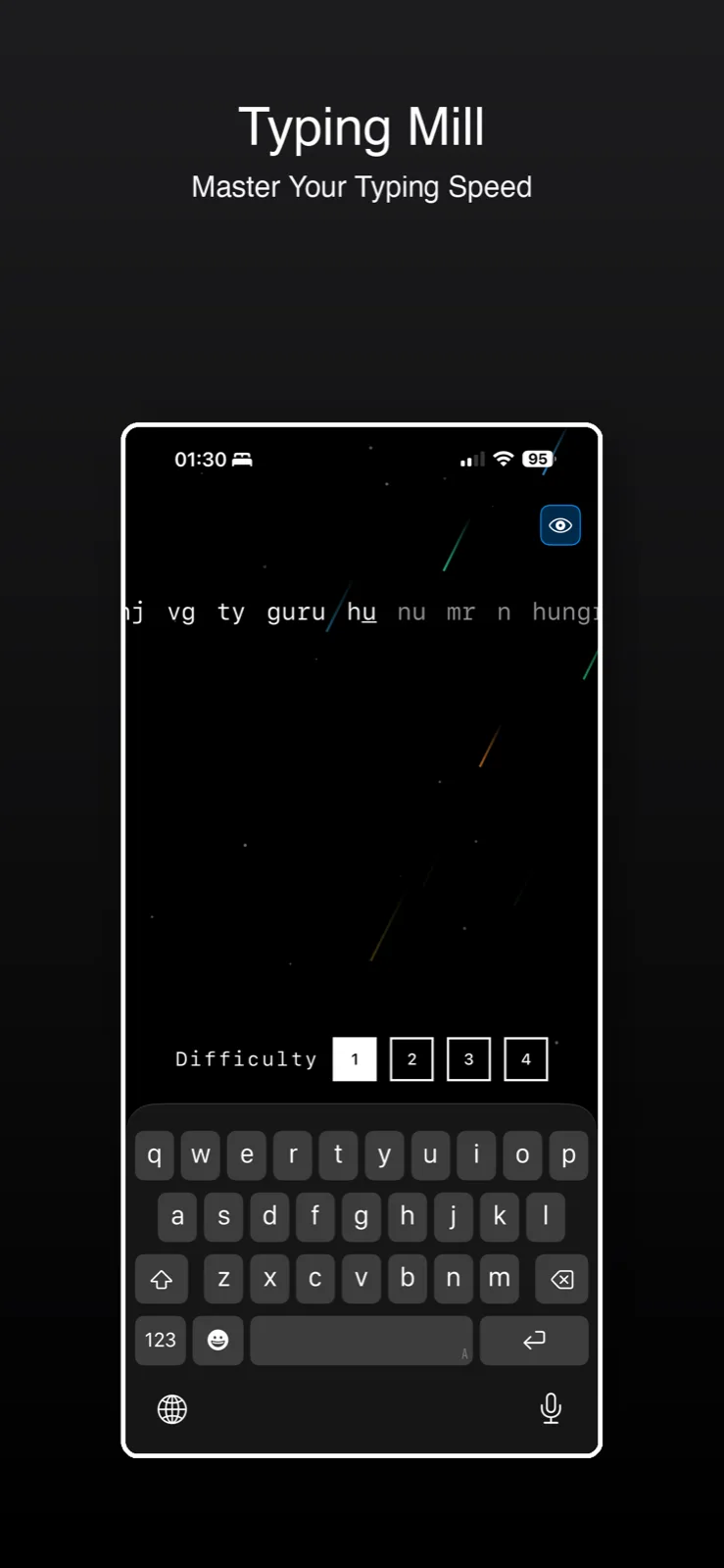
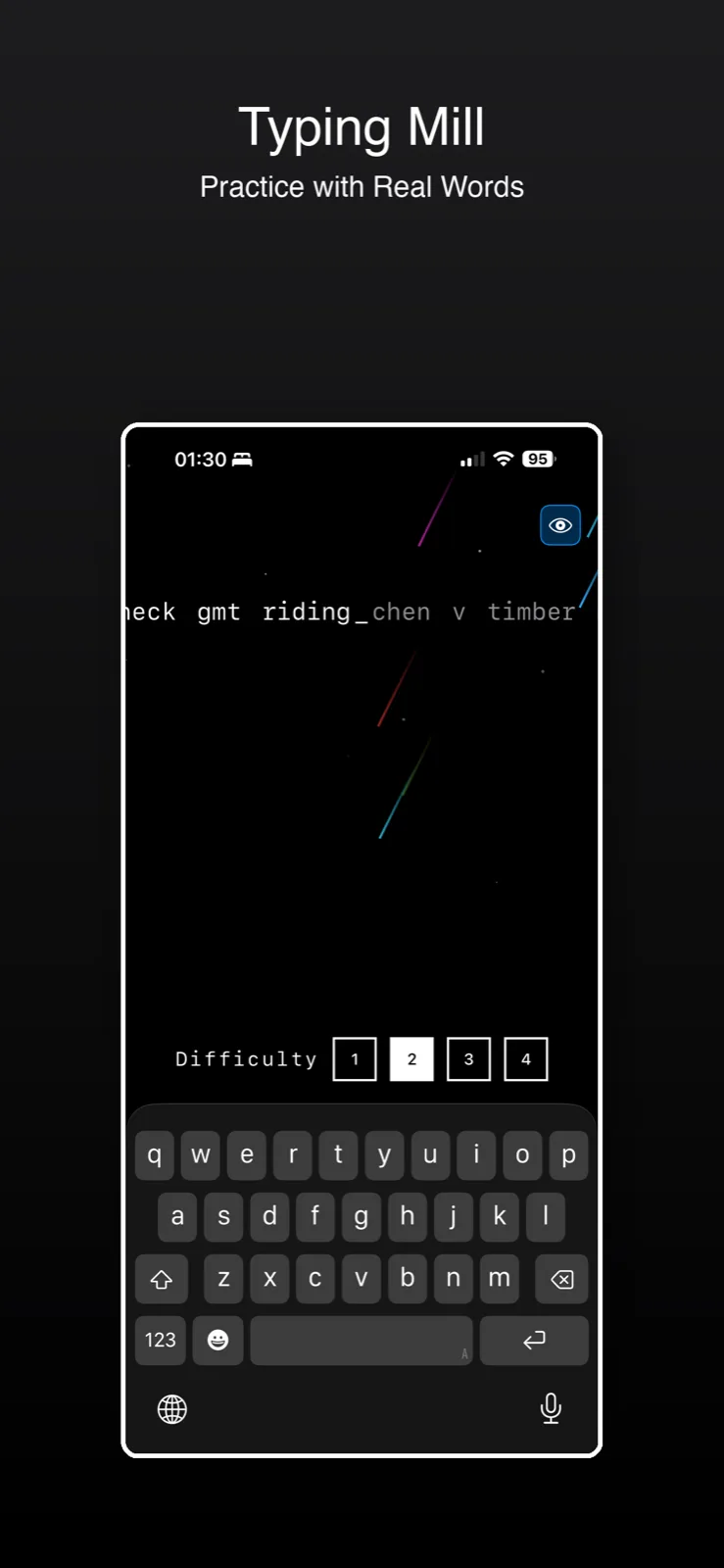
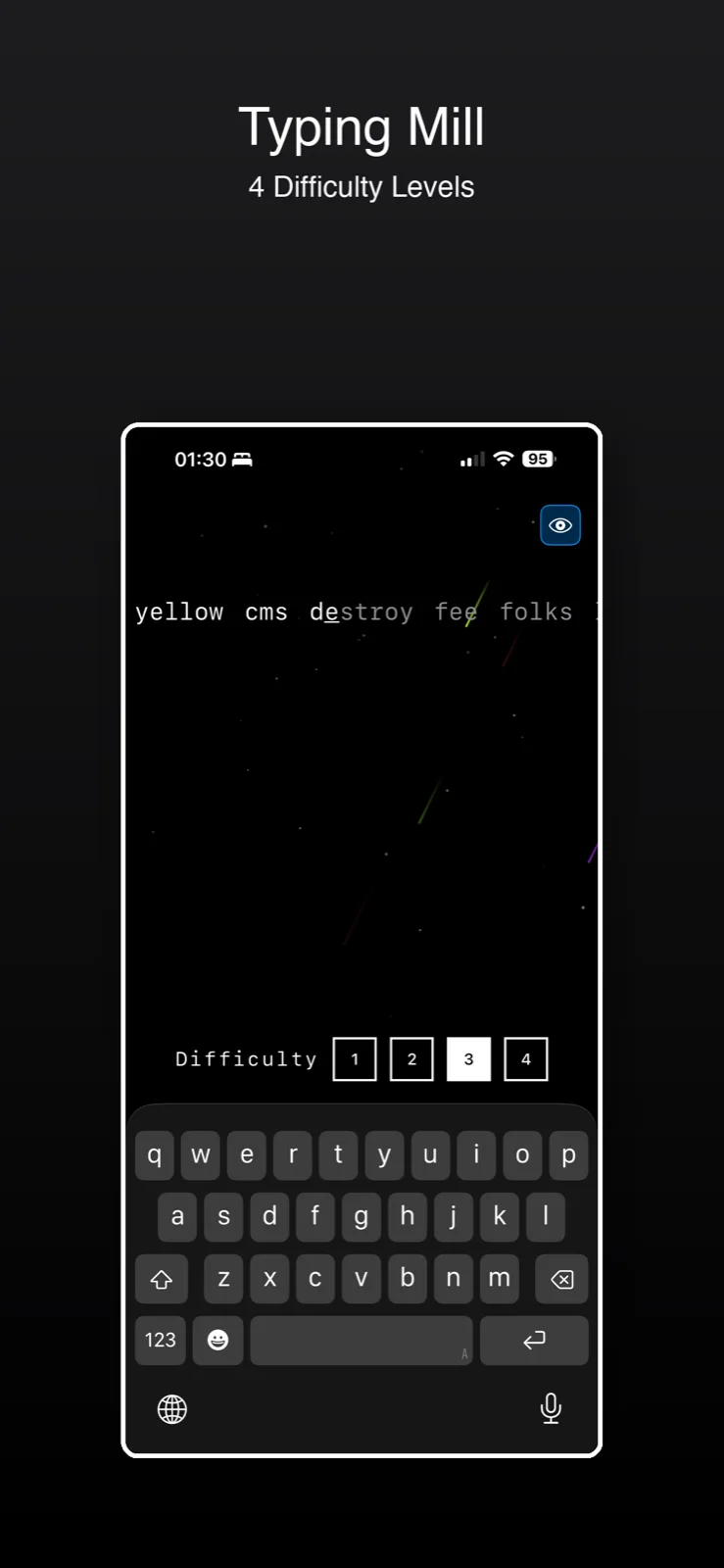
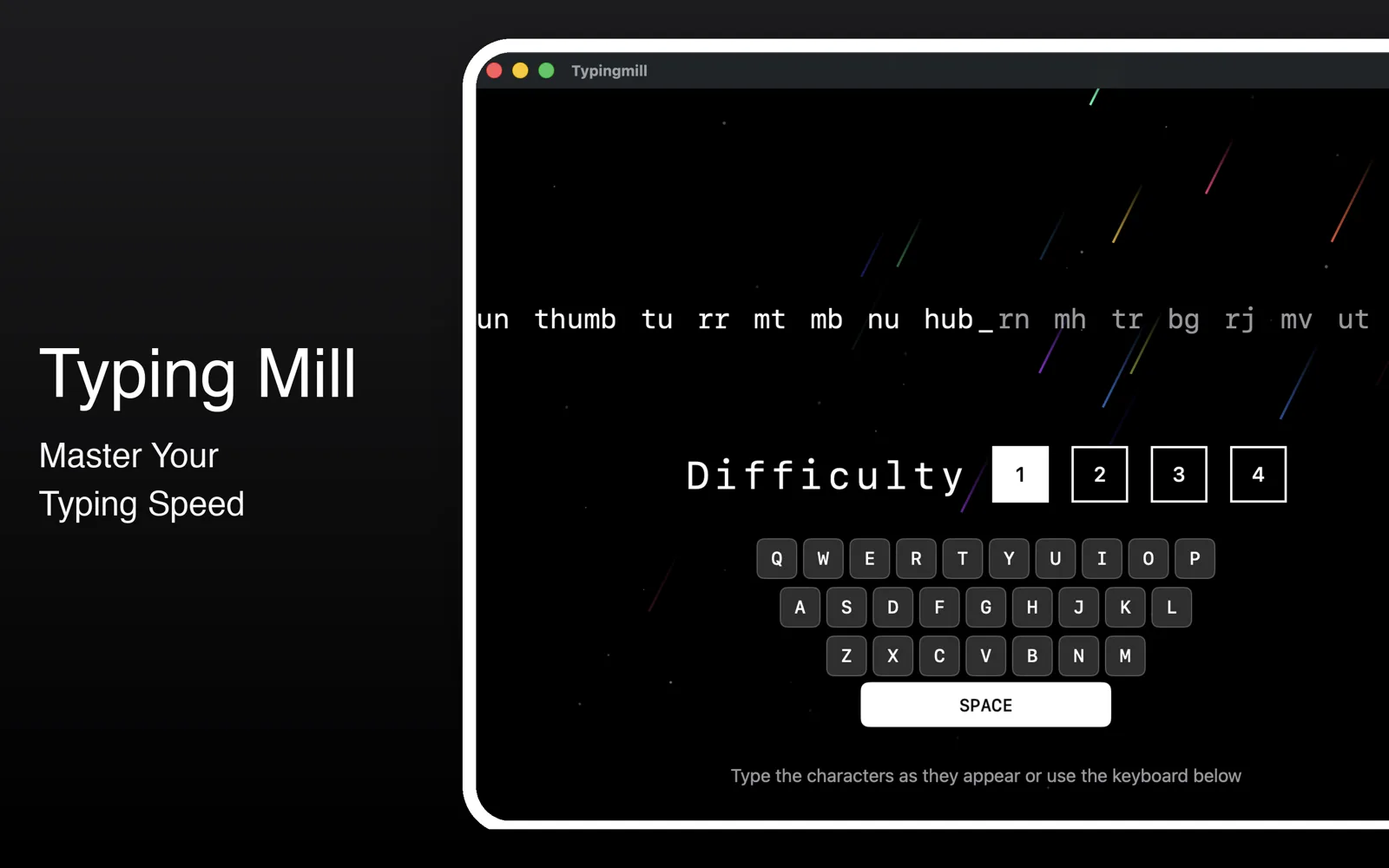
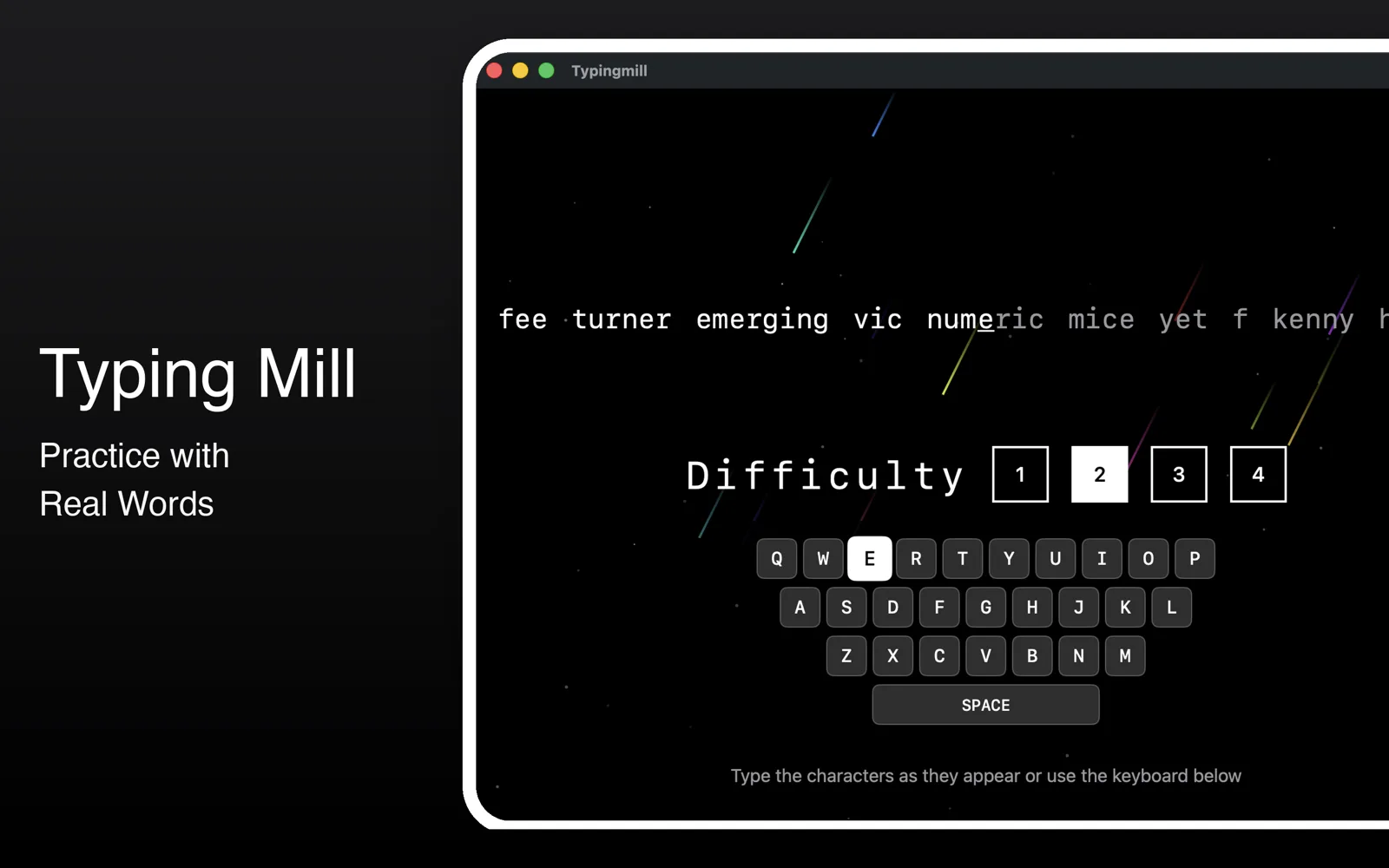
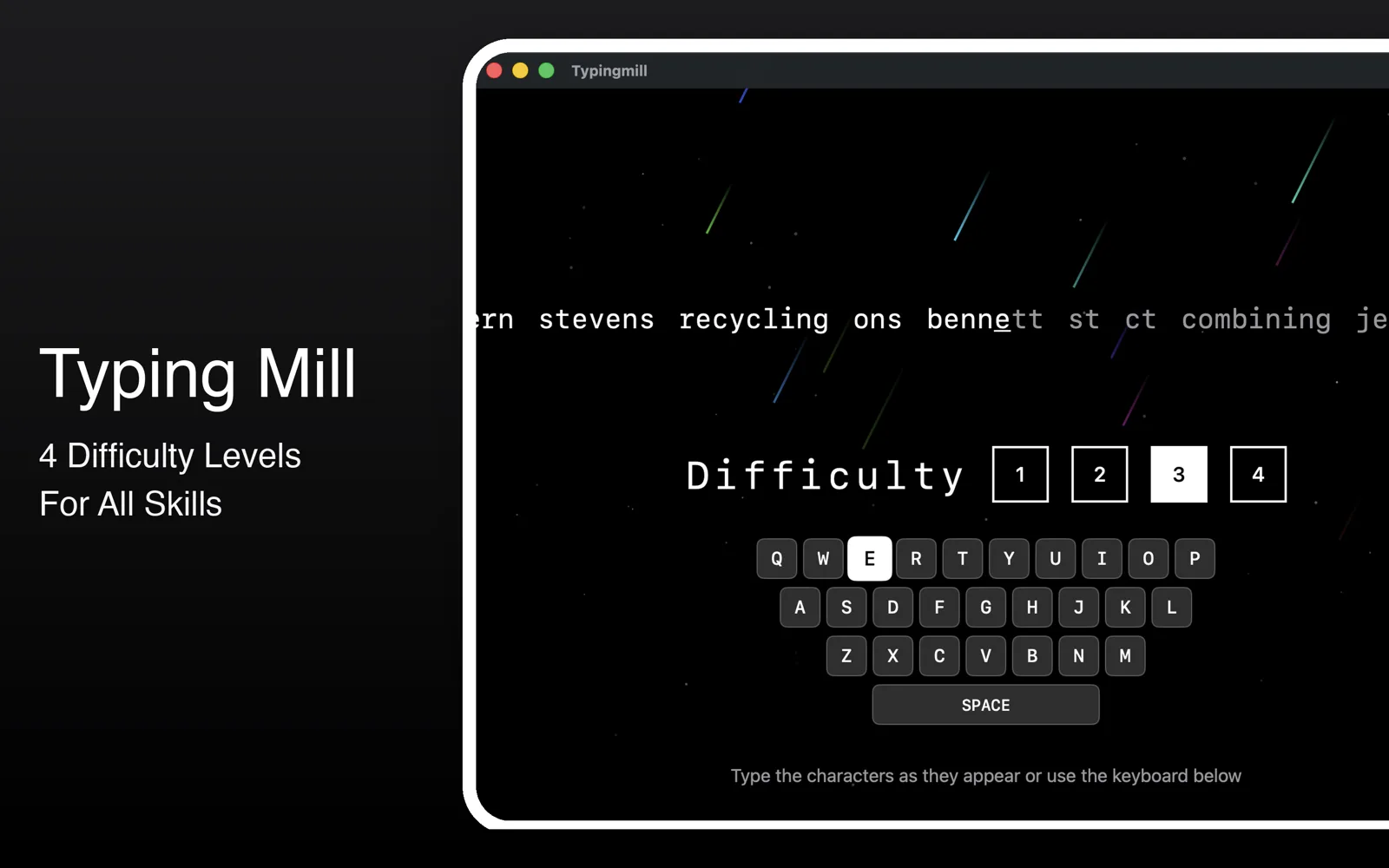
Master your typing speed with Typing Mill. Practice typing with real words across four difficulty levels, from beginner-friendly to expert challenges. A beautiful animated interface makes learning to type fast an enjoyable experience.
- Runs 100% on-device
- No tracking, ever
- No account or subscription
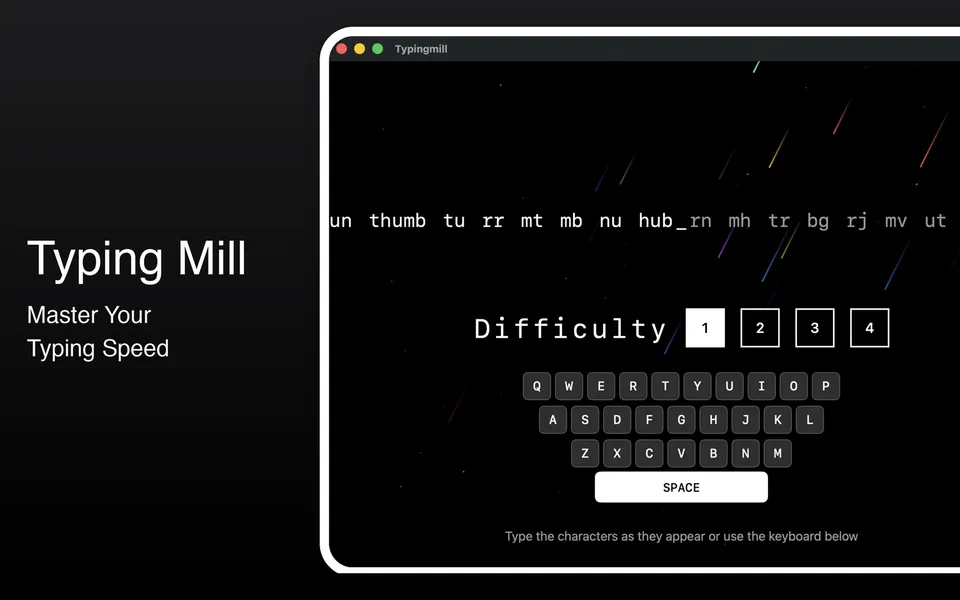
Typing Mill on iPhone, iPad and Mac
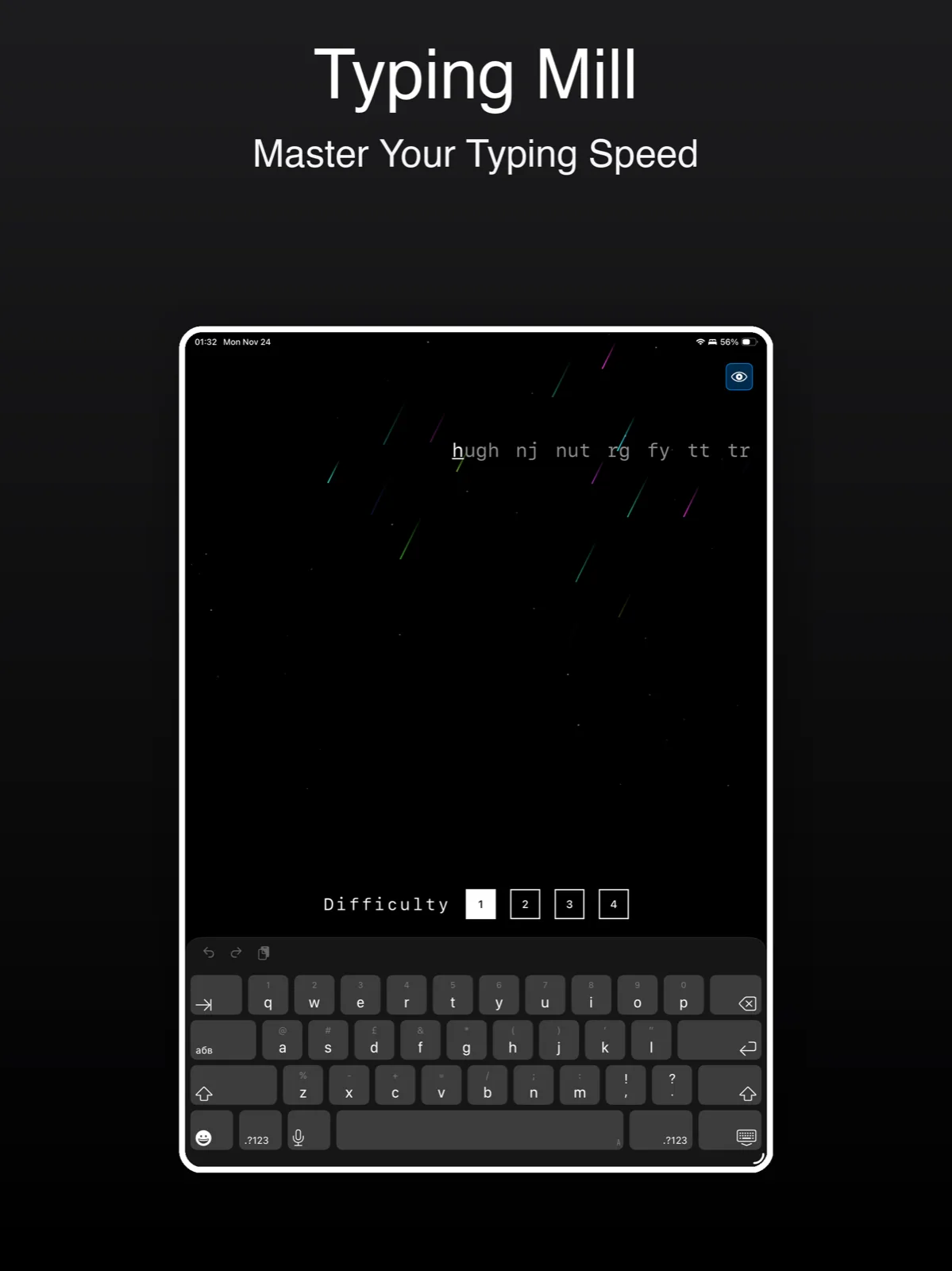
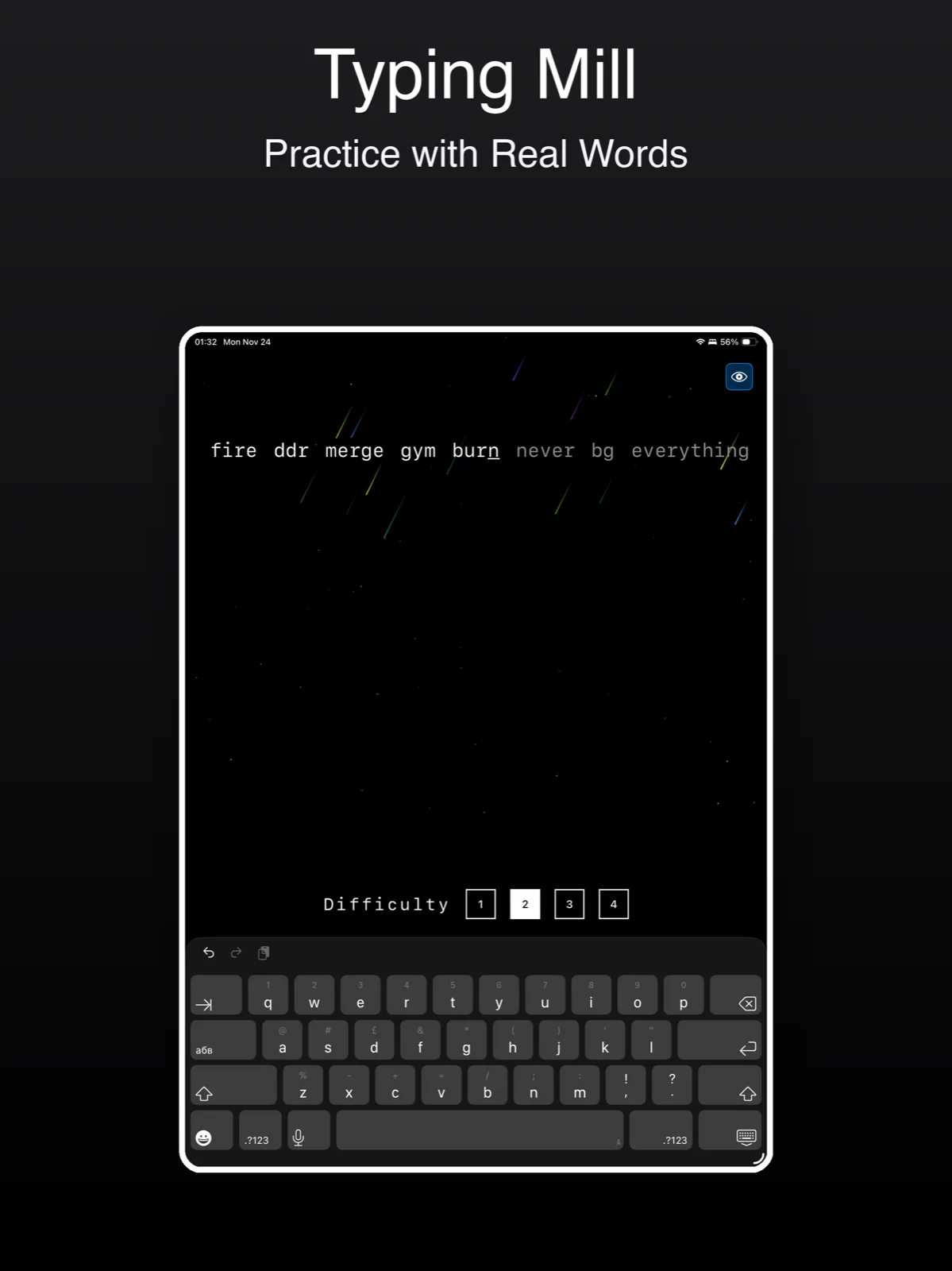
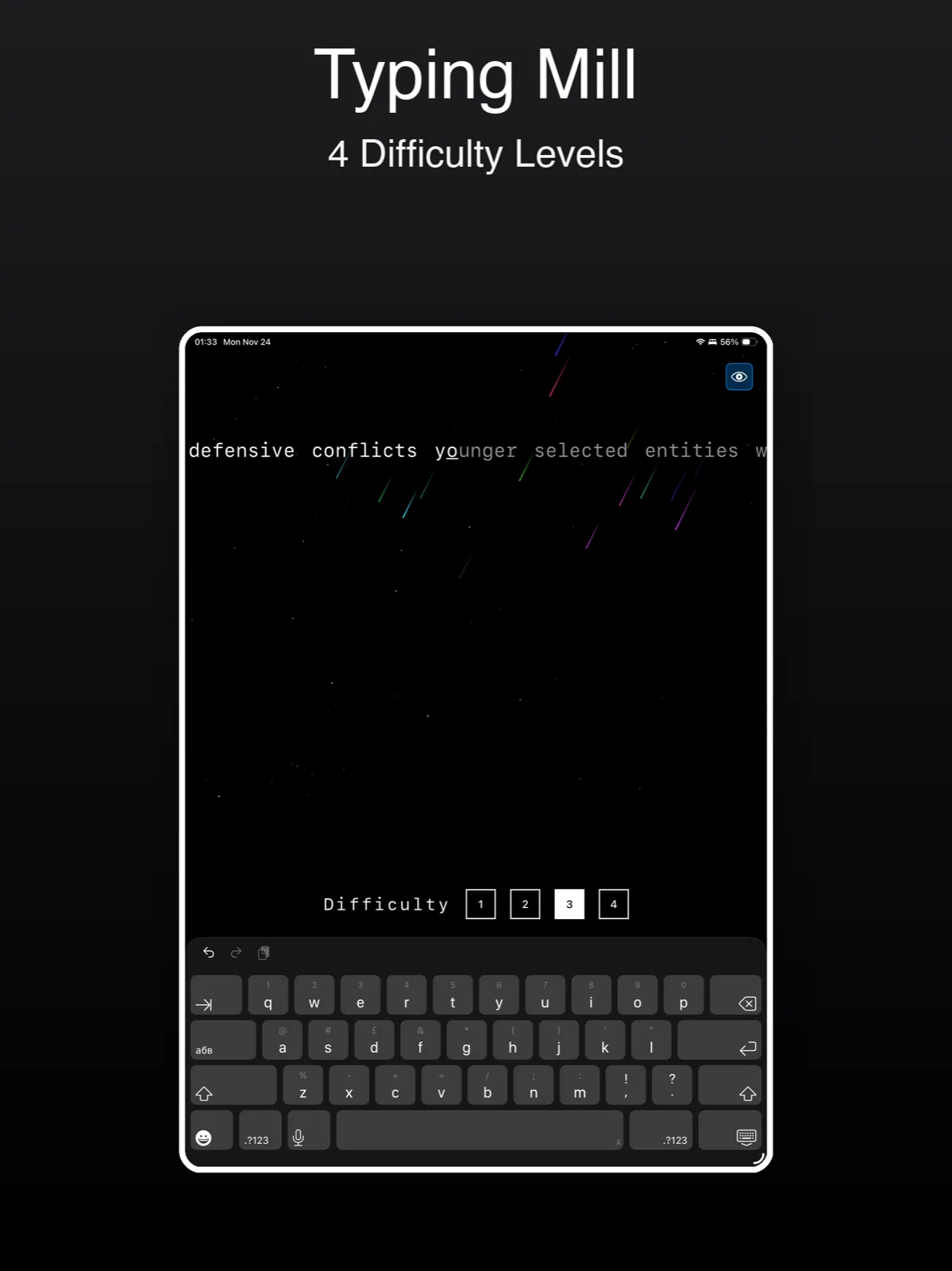
What's inside
- Practice with real words, not random letters
- Four difficulty levels, beginner to expert
- Beautiful animated interface
No account, no tracking, no data collection. Typing Mill works fully offline.
Guides
Guides from the Typing Mill blog
How do you learn touch typing?
Touch typing step by step: the home row, which finger takes which key, why accuracy comes before speed, and a short daily practice plan that works.
How is typing speed measured, and what is a good WPM?
Words per minute counts five characters as one word. How gross and net WPM, accuracy, CPM and KPH are calculated, with examples and what large studies found.
Questions about Typing Mill
Does Typing Mill work offline?
Yes. Typing Mill runs entirely on your device, so it works with no internet connection.
Is there an account or subscription?
No. There's no sign-up, no login, and no subscription — just download Typing Mill from the App Store and open it.
What data does Typing Mill collect?
None. It collects, stores, and transmits zero personal data — nothing ever leaves your device.
Which devices are supported?
Typing Mill is available for iPhone, iPad & Mac.
 Made in FantasticBuilt by humans and AIs in one workspace, our open-source kernel of agents.Explore →
More from AISixteen




Get Typing Mill
Master your typing speed, the fun way. On-device, no account, works offline.
Download on theApp Store